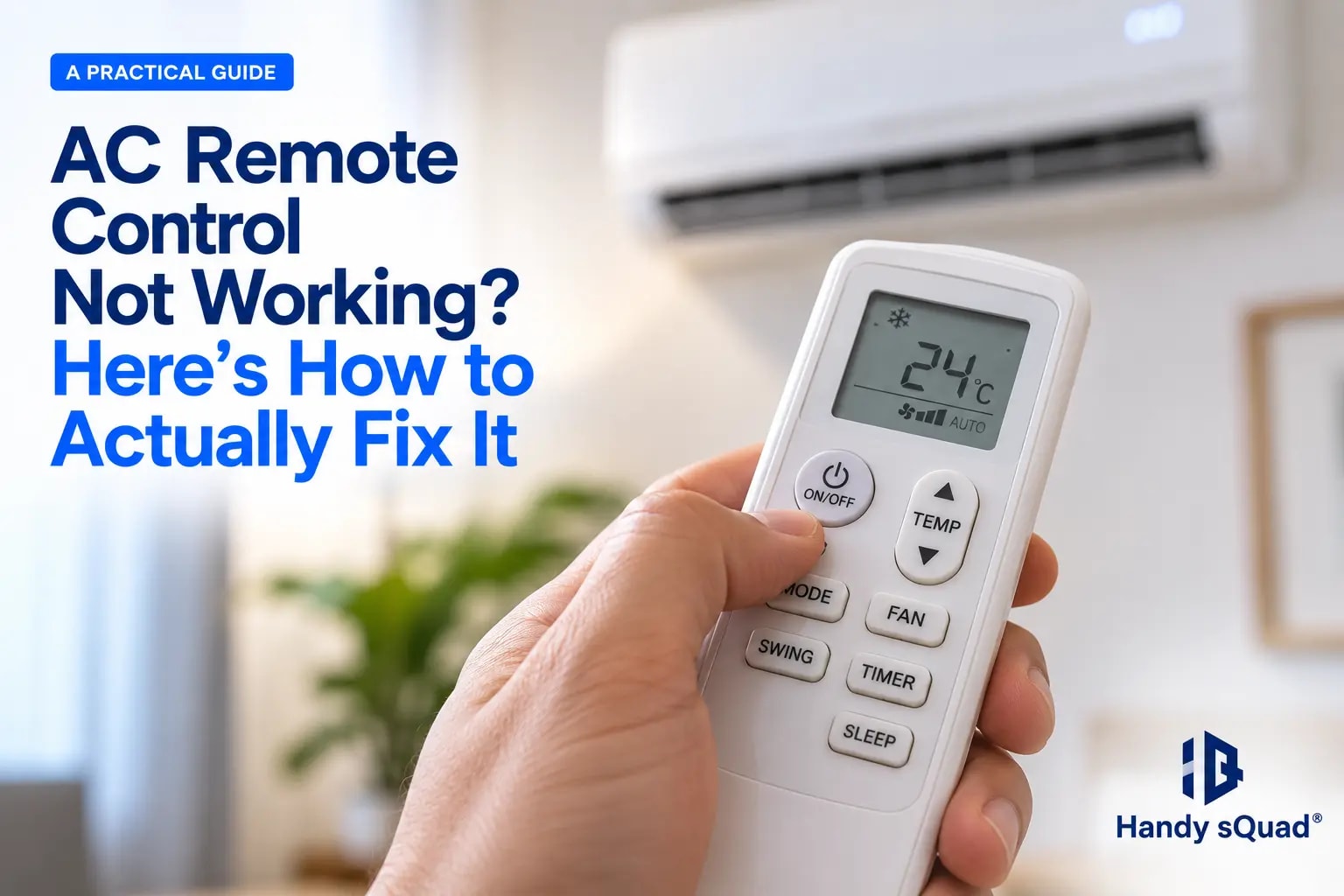
It's one of the most annoying small problems in a household. You walk into a hot room, point the remote at the AC, and press the button. Nothing happens. Sometimes it works on the fifth try. Sometimes the display flickers oddly before the AC even responds, if it responds at all. Most people just assume the remote's dead and either live with it or go buy a new one. Usually the actual fix is a lot simpler than that.
So here's what's really going on, how to check each cause on your own, and when calling someone in actually makes more sense than fighting with it further. This applies whether you're dealing with a Voltas, Bluestar, LG, Daikin, O General, or any other brand's remote—the causes and fixes below are largely the same across the board.
Why Does This Happen So Often?
AC remotes get handled a lot. Picked up, put down, occasionally dropped, and left sitting around in humid rooms for weeks at a stretch, especially through Kerala's monsoon. They're also used less than, say, a TV remote, so they sit idle for long periods. That idle time is exactly when small stuff—a loose contact, a bit of corrosion—quietly builds up without anyone noticing until the remote just stops working one day.
The Most Common Cause: Corroded or Loose Battery Contacts
By far the biggest reason remotes stop responding. Leave batteries inside for too long; an entire unused season is enough, and they can leak a little or corrode the metal contacts in the compartment. Doesn't take much. Even a thin layer of that buildup breaks the connection completely, and no, fresh batteries alone won't fix it if the contacts are the actual culprit. This is usually the answer when a remote still isn't working even with new batteries—the batteries themselves were never the problem.
So open the compartment. Look closely at the contacts, both the spring-loaded one and the flat plate opposite it. Dull, chalky, maybe a bit greenish? Found it. Dip a cotton swab in isopropyl alcohol and wipe it clean. Nothing like that around? A knife or small flathead screwdriver works too; just scrape the top corroded layer off gently until you see bright metal again underneath. Pop the batteries back in and test.
Loose Battery Compartments Cause the Same Problem
Even without any corrosion at all, some remotes just have compartments that don't grip the battery tightly enough. It's a fairly common design flaw on certain AC remote models. The back cover doesn't push down with enough pressure, so ordinary handling, even a small knock, breaks the contact.
Here's a fix worth trying. Take a small piece of paper, fold it three or four times into a tiny thick pad, and wedge it between the battery and the back cover before you close it up. That little bit of extra pressure keeps the battery pressed firmly against the contacts, and the connection stops dropping out during normal use. Feels like too small a trick to actually work, but it does, in most cases where this is genuinely the issue.
Is It the Remote or the AC's Receiver? A Quick Sound Check
Before assuming the worst, there's a simple check most people never think to try. Most ACs beep once when the indoor unit receives a valid signal from the remote. Press a button and listen carefully.
If you hear the beep but the AC doesn't actually respond, the temperature doesn't change, the mode doesn't switch, the remote's transmitting fine, and the problem is likely with the AC unit itself, its receiver sensor, internal settings, or a fault on the indoor board, not the remote. If you hear no beep at all, the remote isn't successfully sending a signal, which points back to batteries, contacts, or the IR emitter itself. This one distinction alone often saves a lot of time troubleshooting the wrong part of the problem.
When Only the On/Off Button Isn't Working
Sometimes it isn't the whole remote, just the power button specifically, while temperature, mode, and fan speed buttons work fine. This usually comes down to the rubber membrane under that particular button wearing out or collecting dust and grime faster than the others, since it's the most-pressed button on the remote by a wide margin.
Open the remote (snap or unscrew open), and check the rubber contact pad sitting under the on/off button against the circuit board beneath it. Wipe both surfaces gently with a dry cloth or a cotton swab, and check for any visible grime or a worn conductive dot on the rubber pad. If the pad's clearly worn flat compared to the other buttons, that's usually the cause, and in most cases it isn't repairable at home, though the remote will generally still work fine using other buttons or a phone app in the meantime.
Check for a "Ghost Touch" or Stuck IR Signal.
A trickier one to spot. Every so often, the remote's infrared sensor gets stuck sending a signal, quietly draining the battery even though nobody's touching it. Put in new batteries not long ago, and they're already dying fast, gone in a couple of weeks instead of lasting several months like usual? That might well be your answer.
You don't need any special equipment to check this, just your phone. Pull up the camera, point it at the front of the remote where the sensor sits, and watch the screen carefully. Your eyes can't pick up infrared light, but phone cameras can. Notice a faint pink or purple glow from the sensor even without pressing anything? That's the IR emitter stuck on, sending a signal nonstop, chewing through the battery, and sometimes making the AC act oddly as a side effect. This same camera trick works to check if a remote is working at all—point the camera at the sensor, press any button, and you should see the glow flicker each time.
Simple Battery Replacement, Done Properly
Might sound too obvious to bother mentioning, but honestly, a lot of remote trouble just comes down to batteries that seem fine but aren't putting out enough power anymore, especially the older they get. Swap both at the same time, not just whichever one seems weaker, since a mismatch in charge levels causes its own separate mess. Go for a decent brand instead of the cheapest thing on the shelf, and don't let old batteries sit in the remote for weeks on end when the AC's barely being used. That single habit is behind most of the corrosion issues covered above.
When the Remote Itself Has Failed
Cleaned the contacts, tried the paper trick, ruled out a stuck IR signal, and swapped in fresh batteries straight from a sealed pack. Still dead? At this point the remote's probably actually failed on the inside. Circuit boards in cheaper or older remotes give out over time on their own, and humidity only speeds that along. Repair rarely makes sense at this stage anyway; replacements for most major AC brands are cheap enough and easy to track down.
Using a Smart App as a Backup
Quite a few newer AC units, Wi-Fi connected ones especially, ship with a companion app that puts full control right on your phone; no physical remote required at all. Setting it up is worth doing even while your existing remote still works fine, just so there's a reliable fallback ready the next time contacts or batteries give you trouble. Connection usually happens over your home Wi-Fi rather than through a separate IR blaster, which keeps setup fairly painless once your phone and the AC unit are on the same network.
If the app itself isn't working, the usual culprits are a Wi-Fi connection that's dropped, the AC needing to be re-paired to the app after a router change, or the app simply needing an update. Worth ruling these out before assuming there's a deeper problem with the AC's Wi-Fi module.
Own a phone with a built-in IR blaster? Not common anymore, though a handful of models still have one. If yours does, a universal remote app can run the AC directly through infrared as well, no need to touch the AC's own smart features at all.
When It's Worth Calling a Professional
Most of these remote issues really are fixable at home following the steps above, and that covers the bulk of what people actually run into. But say you've tried everything and the AC's still not cooperating, or the real problem seems to sit with the unit itself rather than the remote, odd beeping, error codes flashing on the indoor display, and no response even to manual button presses—that's telling you something inside the AC needs a proper look, not a remote fix.
That's exactly where getting real support pays off, since poking around inside an AC without the right tools tends to create more confusion than it solves. Based in Trivandrum and dealing with something bigger than a remote issue? Handy sQuad offers reliable ac technician trivandrum support for diagnostics, repairs, and general servicing across brands, so you're not left guessing at what's actually wrong inside the unit.
Setting up a brand-new AC or getting an old one reinstalled after a move? Handy sQuad's ac installation trivandrum service handles that too, plus whatever maintenance or repairs come up down the road. One team handling the whole journey, rather than a different provider every time something new goes wrong.
Frequently Asked Questions
Why is my AC remote not working even with new batteries?
Almost always corroded or loose battery contacts inside the compartment, not the batteries themselves. Old batteries left inside for a long stretch can leave behind a thin layer of residue that breaks the connection, and fresh batteries won't fix that on their own. Clean the contacts with a cotton swab and isopropyl alcohol, or gently scrape off visible corrosion, then test again.
Why is the on/off button on my AC remote not working while other buttons are fine?
This usually points to the rubber contact pad under that specific button wearing out, since it's typically the most-pressed button on the remote. Opening the remote and checking that pad against the circuit board can confirm it, but a worn pad generally isn't something you can repair at home. Other buttons and a phone app usually still work fine in the meantime.
How do I check if my AC remote is working or not?
Use your phone's camera. Point it at the remote's infrared sensor, press any button, and watch the screen — you should see a brief flicker of light each time, even though it's invisible to the naked eye. No flicker at all usually means the remote isn't transmitting a signal.
Why does my AC beep but not respond to the remote?
A beep means the AC's receiver picked up a valid signal from the remote, so the remote itself is working fine. If the AC still doesn't respond, mode or temperature not changing, the issue is more likely with the AC unit's internal settings or its own circuitry, not the remote.
Why does my AC remote app not work?
Usually a dropped Wi-Fi connection, the AC needing to be re-paired with the app after a router or network change, or the app needing an update. These are worth checking before assuming there's a deeper fault with the AC's Wi-Fi module.
Final Thoughts
An unresponsive AC remote is almost always smaller than it feels in the moment. Corroded contacts. A loose battery fit. A drained battery. Once in a while, a stuck IR signal quietly eats power in the background. Work through these one at a time, and odds are you'll have it fixed without spending money on a new remote or booking a service visit at all.
That said, if the AC unit itself starts showing signs of trouble alongside the remote acting up, don't sit on it. A small fault left ignored has a habit of turning into a much bigger, pricier one, and getting someone to check it early tends to save both time and money in the end.
Thanks for reading